

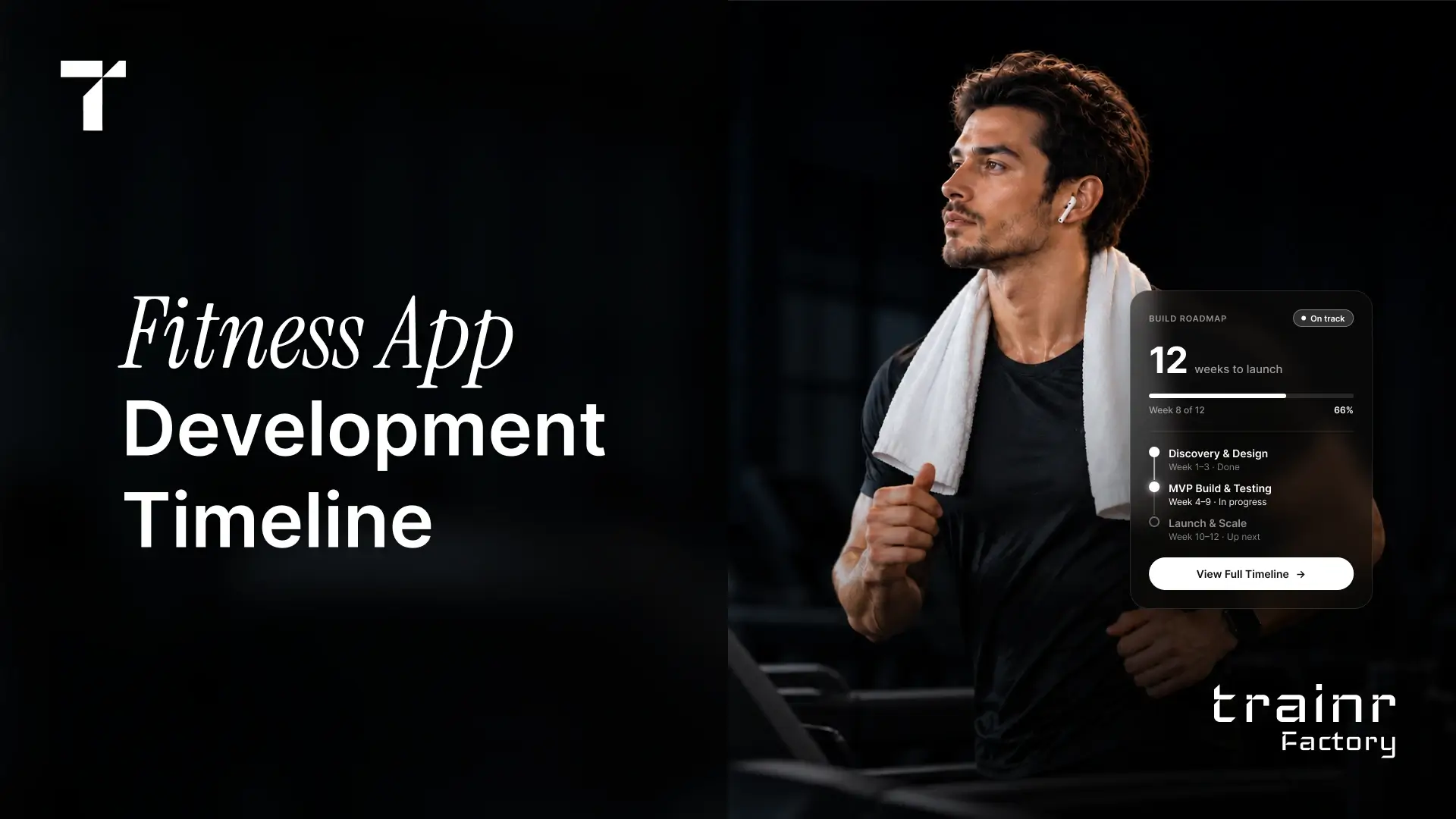
Fitness app development timeline typically takes 2 to 9 months depending on its features, design requirements, platforms, and integrations. Generally, a basic activity tracker with step counting and progress reports takes only a few months. But an app with personalised workout plans and wearable connectivity needs more development time.
The type of fitness app also makes a difference, as a nutrition app has different requirements from a connected fitness platform. This guide looks at the estimated timelines, the factors that affect development time, and ways to complete the project sooner.
How Long Does It Take to Develop a Fitness App?
Fitness app development generally takes around 2 to 9 months. However, the timeline for development depends on the features of the app, design requirements, platform choice, backend complexity, and third-party integrations. For instance, a basic activity tracking app takes less time to build. But a connected fitness platform with wearable devices will require a longer development period.
The following table shows the estimated development time for different types of fitness apps.
| App type | Development Timeline | Typical features |
|---|---|---|
| Activity or habit tracker | 3 to 4 months | Step counting, distance tracking, activity logs and progress reports |
| Guided workout or coaching | 5 to 8 months | Workout libraries, personalised training plans, exercise videos and coaching subscriptions |
| Nutrition or diet app | 4 to 8 months | Food diaries, calorie tracking, nutritional information and meal planning |
| Connected hardware companion | 8 to 14 months | Wearable connectivity, Bluetooth-enabled equipment and real-time fitness data |
| Enterprise or employer wellness | 6 to 12 months | Employee fitness programmes, administrative dashboards, user management and reporting |
Fitness App Development Timeline by Development Stage
A fitness app goes through seven main stages before launching. Among them, some stages take only a few weeks. However, the actual time depends on the features and technical requirements of the app.
- Discovery and Planning – 2 to 4 weeks
Developers spend these first few weeks deciding on the features and target users of the app. The team researches the market, gathers requirements, and selects the main features. They also prepare a development plan, as this helps prevent confusion and major changes later.
- UI/UX Design and Prototyping – 4 to 6 weeks
After comprehensive planning, designers work on the layout and user experience of the app. They create wireframes and clickable prototypes, start a workout, and check their progress. The development team also revises the designs after reviewing the prototype.
- App Development – 8 to 12 weeks for an MVP
In this stage, developers build the screens, user accounts, workout functions, and backend needed to store user information. The development time depends on the number of features and the number of platforms the app needs to support.
- Integrations and Advanced Features – 2 to 4 weeks
Generally, it takes additional development time to connect external services. For example, Apple HealthKit or Health Connect may be used to access health/activity data. In this stage, developers also need to connect and test the Payment gateways and video services. They will need considerably more time for more complex wearable or AI features.
- Testing and Quality Assurance – 4 to 6 weeks
Before release, the development team checks that the app works properly on supported devices. It includes unit testing, user acceptance testing, and integration testing. Developers fix any bugs or performance issues found during these checks.
- App Store Submission and Launch – 3 to 4 weeks
The team prepares the store listings, screenshots, app descriptions, and required privacy information. Apple and Google then review the submissions. The launch may face delays if any changes are requested during review.
- Post-Launch Updates – Ongoing
Development continues even after launching the app. The development team monitors crashes and user feedback, fixes reported issues, and updates the app when required. They also add new features in later releases based on user needs and keep communicating the updates with the users to keep them engaged.
Fitness App Development Timeline by App Complexity
The development timeline for fitness apps also depends on the number of features of the app and the level of functionality it needs.
Here is an estimated timeline for fitness app development by app complexity.
| Fitness app scope | Estimated timeline |
|---|---|
| Basic Fitness App MVP | 4 to 8 weeks |
| Standard Fitness App | 12 to 18 weeks |
| Full-Featured Fitness App | 26 to 38 weeks |
| AI-Powered or Advanced Fitness App | More than 44 weeks |
1. Basic Fitness App MVP: A basic fitness app MVP includes the essential features only. It generally includes user registration, fitness profiles, workout libraries, exercise logging, and basic progress tracking. As the basic fitness app MVP has limited features and a straightforward backend, it makes the development of these apps relatively quick.
2. Standard Fitness App: In the standard fitness app, developers include personalised workout plans, nutrition tracking, subscription payments, social features, and an admin dashboard. They also need to connect external services and test the app on different devices. That is why it takes more time to develop than the basic fitness app MVP.
3. Full-Featured Fitness App: A full-featured fitness app combines more features than the standard ones. It generally includes the following:
- Cross-platform development (iOS and Android)
- Subscription billing
- Social features
- Wearable synchronisation (1–2 devices)
- Push notifications
- Personalised workout plans
- Analytics dashboard
- Admin panel
Developers need to connect multiple services, synchronise fitness data, and test how these features work together on different platforms. Some full-featured fitness apps also include live training sessions and subscription management. This further adds more development and testing work.
4. AI-Powered or Advanced Fitness App: Developers build advanced features into AI-powered or advanced fitness apps. Like
- AI to recommend workouts
- Personalise training plans
- Live or on-demand video
- Multi-device wearable support
- Advanced analytics
- Content management system
- Multi-role access
- Privacy and biometric compliance
- Extensive testing for safety and reliability.
Due to these complex data pipelines and heavy engineering beyond the basic UI design, AI-powered app development requires more development time.
What Factors Affect the Fitness App Development Timeline?
There are some project-specific factors that affect the time needed to develop a fitness app. In this case, the main ones are related to the platforms, features, integrations, and testing requirements.
- Number of Platforms: A fitness app development for both iOS and Android generally takes more time than building it just for one platform. That’s because each platform has different design guidelines and technical requirements. It will add further development work for developing a web dashboard and wearable interface.
- Feature Scope: The features that have to be included in an app have a direct impact on the development timeline. Apps with basic functions are simple to build. The development time keeps adding up with more features the app includes, as the developers need to build and test them.
- Wearable and Health Data Integration: When an app needs to connect to smartwatches or fitness bands, it takes additional time. Moreover, developers need to handle data like heart rate, sleep patterns, steps, and workout activity. These connections need to work properly with the app. Support for multiple wearable brands can make this process more time-consuming.
- AI and Computer Vision: AI-powered recommendations and personalized workout plans generally require additional data processing and model integration. Computer vision features involve more complex work because the app needs to analyse camera input and provide feedback.
- Backend and Third-Party Integrations: If the app needs to store and manage more data, developers will need more time to build its backend. Third-party integrations can also extend the timeline. That is because developers need to connect external services, resolve compatibility issues, and test to see that everything works correctly with the app.
- Testing and Compliance Requirements: Testing compliance requirements also markedly affects the development timeline. Real-time tracking and health data synchronisation need thorough testing. Moreover, for apps handling personal health data in the UK, developers need to account for UK GDPR requirements and the Data Protection Act 2018. These privacy and security checks therefore add more time to development.
- Scope Changes During Development: Changes made after development increase the time needed to complete a fitness app. Developers have to revisit completed work or update other parts of the app when a new feature needs to be added or when changes are made to an existing one. These changes delay the planned launch.
How to Reduce Fitness App Development Time
Here is how you can reduce fitness app development time.
- Define the MVP Before Development: List the essential features for the first release. You should move the non-essential features to later updates to avoid unnecessary development.
- Prioritize the Core User Flow: Choose a single core focus users need to complete. Build this flow first instead of an all-in-one ecosystem.
- Choose the Right Development Approach: Consider cross-platform development to reduce duplicate work for iOS and Android. Native development is more suitable for apps relying on platform-specific features.
- Prototype Complex Features Early: Test complex features like wearable connections and live workouts with a basic working model. It helps the developers find problems before building the full app.
- Avoid Scope Changes: You should stick to the original feature list during development. Save new ideas for future updates to avoid redoing completed work.